AI for Website Design Automation: Smarter Workflow in 2025
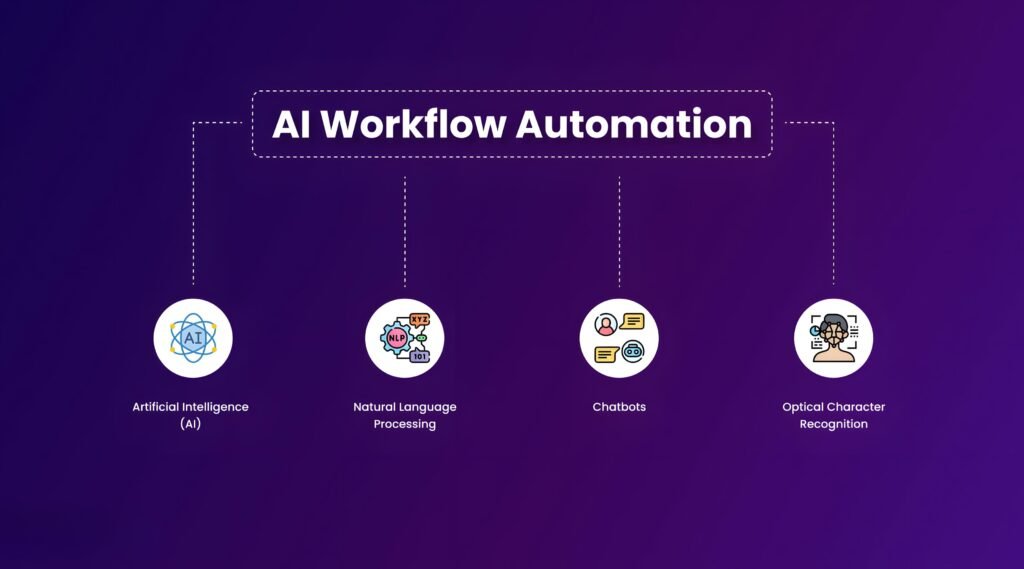
AI for Website Design Automation is changing the way developers, designers, and agencies build websites. With the help of AI-powered tools, you can generate layouts, create visuals, and even code UI components — all while reducing manual effort and improving consistency.
Why Automate Your Design Workflow?
In a fast-paced digital world, design speed and quality matter more than ever. Automation helps you:
- Save time on repetitive design tasks
- Maintain brand consistency
- Generate content and layouts on demand
- Accelerate client delivery timelines
You’ll see this AI-driven approach in action throughout my Project section, where each website balances creativity and efficiency.
Top AI Tools for Automating Web Design in 2025
- Uizard – Turn wireframes or text prompts into responsive design mockups
- Magician by Diagram – Figma AI plugin to generate icons, copy, and components
- Designs.ai – Logo and brand identity automation powered by AI
- Framer AI – Instantly generate full web layouts with real content
- Copy.ai – For landing page copy, CTAs, and marketing text in seconds
How I Integrate AI Into My Design Stack
As a developer who balances design with performance, I use AI for early-stage wireframes, AI-generated imagery, and content ideation. These tools are not a replacement for strategy — but they amplify creativity and speed.
I’ve documented this workflow approach in my Skills section, where AI meets real-world development needs.
Limitations of AI in Web Design
AI lacks brand insight and intuition. While it’s great for layout drafts and component generation, human input is still critical for accessibility, UX flow, and emotional resonance.
Ready to Automate Your Design Process?
Want to streamline your next project using AI without compromising quality? Book a discovery call to explore how automation can elevate your site strategy.
In 2025, the smartest design teams aren’t just working harder — they’re working smarter with AI. Use it to accelerate your creativity, not limit it.
