
Image Optimization for Fast Load: Boost Your Site Speed and UX
Image Optimization for Fast Load is one of the most impactful ways to improve your website’s performance. Uncompressed or poorly optimized images are often the top reason for slow-loading pages, which can hurt user experience and SEO. In this post, I’ll reveal key techniques and tools that help deliver lightning-fast load times without sacrificing visual quality.
Why Image Optimization Matters
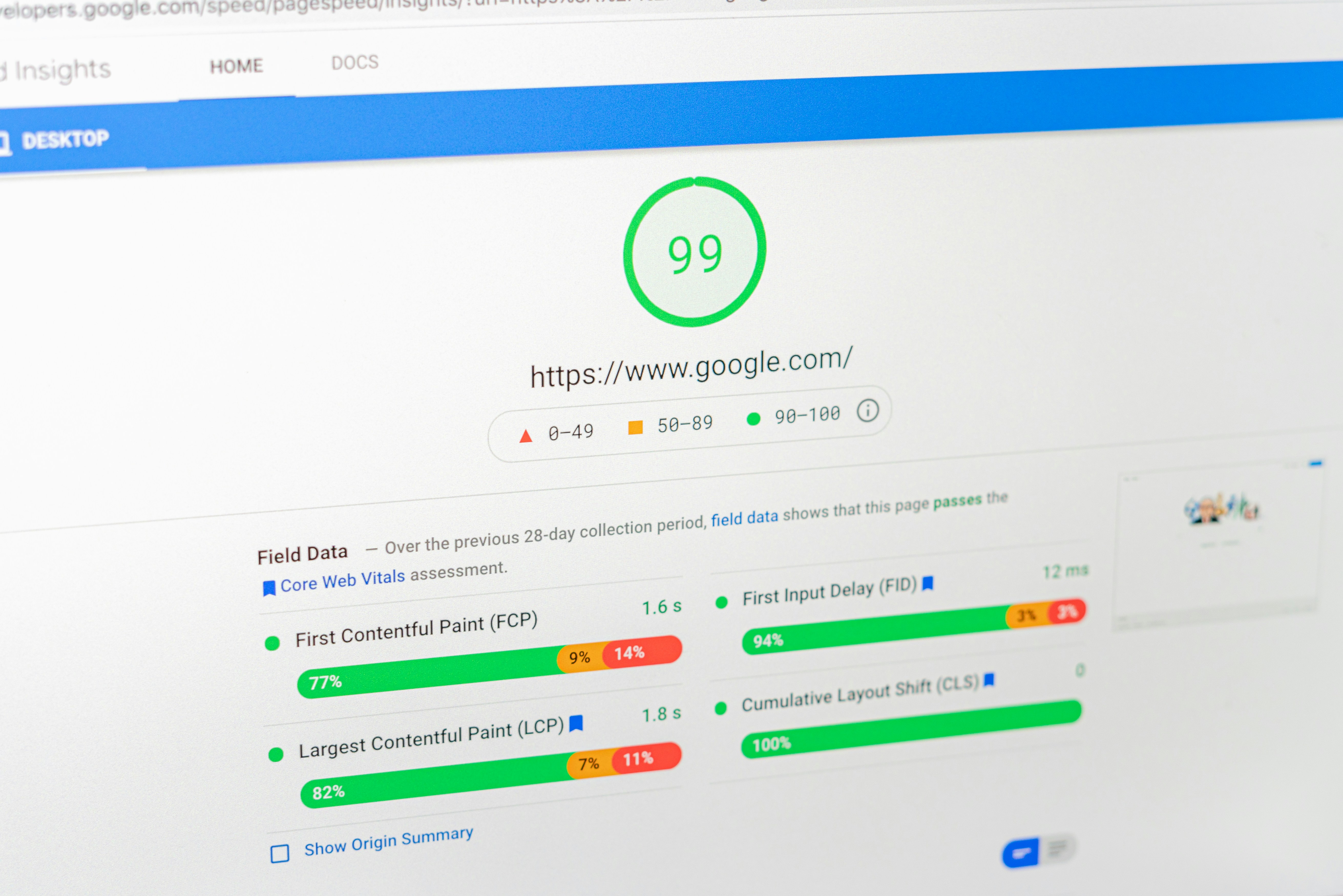
A website that takes more than 3 seconds to load risks losing nearly 40% of its visitors. Optimized images are critical for meeting Google’s Core Web Vitals, especially the Largest Contentful Paint (LCP) metric. Whether you run a portfolio site, blog, or e-commerce platform, fast images = better performance.
As shown in the Project section of my portfolio, every site I build loads efficiently across devices and browsers — thanks to strategic image handling.
Smart Techniques to Optimize Images
- Convert to modern formats like WebP or AVIF
- Use responsive image tags:
<picture>andsrcset - Compress images using TinyPNG or Squoosh
- Enable lazy loading:
loading="lazy" - Use CSS sprites for small icons to reduce HTTP requests
Proper implementation of these techniques significantly reduces page weight while retaining crisp visuals—ideal for both mobile and desktop users.
Best Tools for Image Optimization
Some tools every developer should know for image performance include:
- ImageKit – Real-time image resizing and CDN delivery
- Kraken.io – Lossless and lossy image optimization
- Native browser tools like Chrome DevTools for performance analysis
Image optimization isn’t just for aesthetics — it directly impacts your SEO, rankings, and bounce rate.
Where I Apply These Techniques
Every project listed in the Skills section reflects how I handle media assets. From landing pages to full-scale CMS platforms, image optimization remains a core part of my performance-first development workflow.
Need Help with Image Optimization?
If your website is suffering from poor load speed or Google is flagging slow LCP, it’s time for a proper audit. You can book a site performance session with me to analyze and fix these issues quickly.
Great visuals don’t have to slow your site down. With modern tools and smart formats, you can maintain beauty without sacrificing speed.
